Jugar
Impulsado por EmulatorJS · Arcade
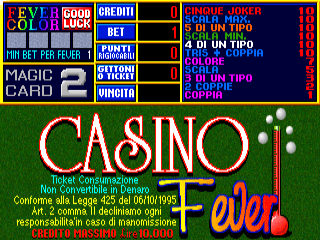
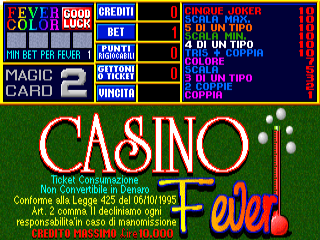
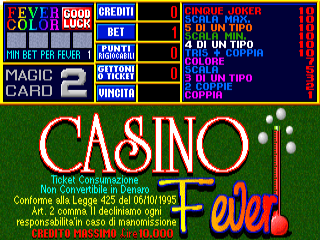
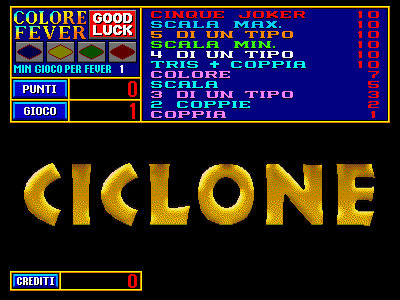
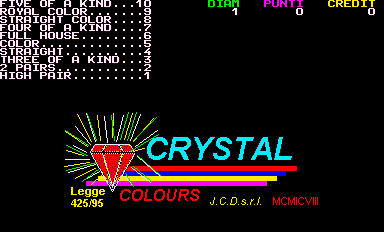
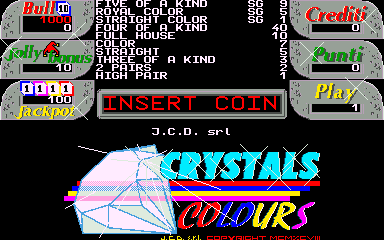
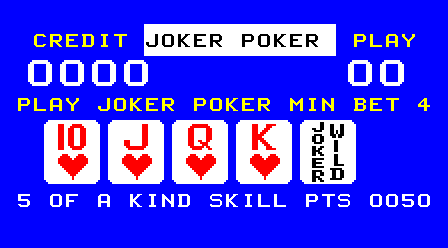
CGI desarrolló este título de video póquer ejecutándose en el hardware Joker Poker de Noraut. Los jugadores participan en juegos de cartas digitales para ganar créditos, utilizando hardware especializado para impulsar la interfaz visual y la mecánica de juego característica de una experiencia de video póquer estilo máquina tragamonedas.
Player layout in our catalog: 1P.
If you are exploring by feel rather than by title, jump from the tags above into the matching genre rooms, or return to the Arcade hall for the full wall.
Open Play on this page to start Credit Poker. Keyboard, USB/Bluetooth pads, and the on-screen touch gamepad all work inside the emulator bar. Save states and fullscreen live on that same bar so you can pause mid-session and resume later.
Credit Poker is filed in our catalog as a 1999 release.
Player layout on this cabinet: 1P.
Genre tags on Classic Arcade Games: Gambling.
Credit line lists CGI as developer.

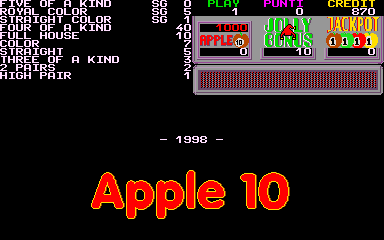
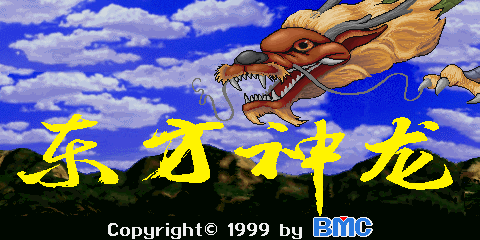
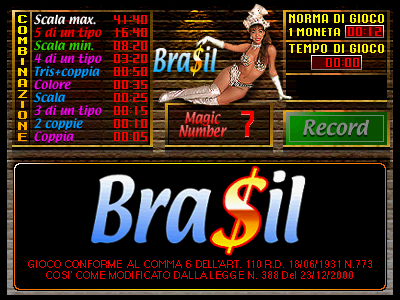
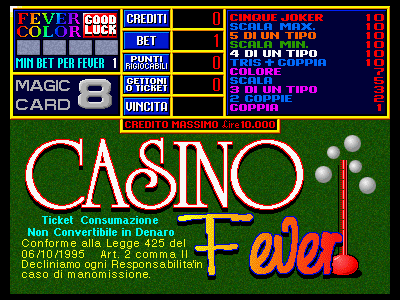
Nearby cabinets you may also open from this hall (each on its own play page):Action 2000 (Version 3.5E Dual), Apple 10 (Ver 1.21), Dongfang Shenlong, Bra$il (Version 3), Casino Fever 1k, Casino Fever 4.0, Casino Fever 5.0, Casino Fever 6.1, Ciclone, Crystal Colours (CMC hardware), Crystals Colours (Ver 1.02), Double Crown (v1.0.3)
CGI appears on this cabinet’s credit line. Browse more titles from the same studio on the developer shelf, or stay on this page and try the next cabinets in the same hall.
Yes. Classic Arcade Games hosts Credit Poker as a Arcade cabinet you can start on this page. The emulator loads in the browser; you do not need to install a separate app.
Arcade stick feel: Arrow keys for the joystick, X/Z (and nearby keys) for buttons, Enter=Start. USB / Bluetooth pads map cleanly; six-button fighters use the face-button cluster.
Our catalog tags Credit Poker under Gambling. Open those genre rooms from the tags on this page to find more playable cabinets in the same feel.
Copia el código iframe de abajo para insertar este juego en tu sitio.
<iframe src="https://es.classicarcade.games/games/arcade/cgip30cs?embed=1" width="800" height="600" allowfullscreen allow="gamepad; autoplay; fullscreen"></iframe>