Jugar
Impulsado por EmulatorJS · Arcade
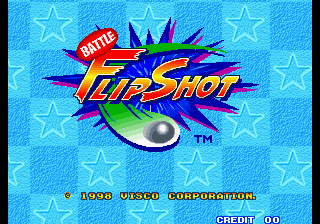
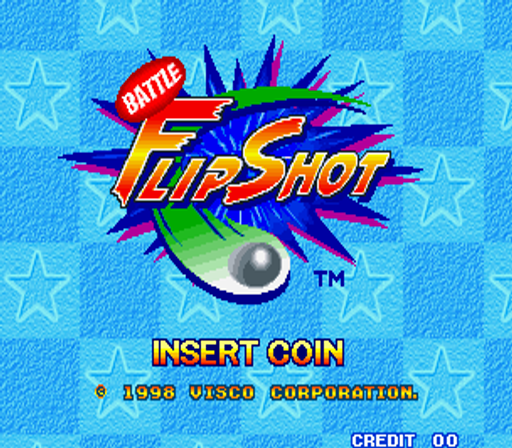
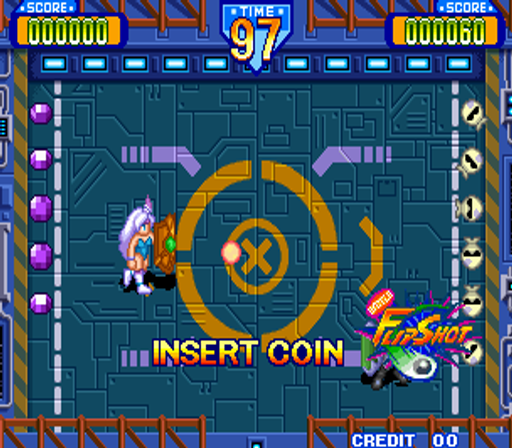
Carro SNK Neo-Geo MVS. publicado hace 28 años: Tiro de batalla (c) 1998 Visco Corp. Un juego moderno tipo "Pong" con personajes seleccionables. - TÉCNICO - Se ejecuta en el hardware SNK "Neo-Geo MVS". ID del juego: 0247 [Controles SNK MVS Neo-Geo] 2 jugadores - 4 botones por jugador. [JOYSTICK] 8 direcciones [A] Ataque especial [B] Deslizar [C] Provocar -TRIVIA- Battle Flip Shot fue lanzado en diciembre de 1998. Este juego se ejecuta en Neo-Geo MVS y no se lanzó en la consola doméstica Neo-Geo AES. El juego estuvo en prueba dos meses (10/1998) antes de su lanzamiento.
Player layout in our catalog: 2P sim.
If you are exploring by feel rather than by title, jump from the tags above into the matching genre rooms, or return to the Arcade hall for the full wall.
Open Play on this page to start Battle Flip Shot. Keyboard, USB/Bluetooth pads, and the on-screen touch gamepad all work inside the emulator bar. Save states and fullscreen live on that same bar so you can pause mid-session and resume later.
Player layout on this cabinet: 2P sim.
Genre tags on Classic Arcade Games: Sports, Arcade.
Nearby cabinets you may also open from this hall (each on its own play page):Bang Bead, 3 Count Bout / Fire Suplex (NGM-043 ~ NGH-043), 3 On 3 Dunk Madness, Forty-Love (World), All American Football (rev E), Alpine Racer (Rev. AR2 Ver.D, World), Alpine Racer 2 (Rev. ARS2 Ver.B, World), AmeriDarts (set 1), Leader Board (Arcadia, set 1, V 2.5), Arch Rivals (rev 4.0 6/29/89), The Big Pro Wrestling!, Bikkuri Pro Wrestling
Bang Bead · 3 Count Bout / Fire Suplex (NGM-043 ~ NGH-043) · 3 On 3 Dunk Madness · Forty-Love (World) · All American Football (rev E) · Alpine Racer (Rev. AR2 Ver.D, World) · Alpine Racer 2 (Rev. ARS2 Ver.B, World) · AmeriDarts (set 1) · Leader Board (Arcadia, set 1, V 2.5) · Arch Rivals (rev 4.0 6/29/89) · The Big Pro Wrestling! · Bikkuri Pro Wrestling
Yes. Classic Arcade Games hosts Battle Flip Shot as a Arcade cabinet you can start on this page. The emulator loads in the browser; you do not need to install a separate app.
Arcade stick feel: Arrow keys for the joystick, X/Z (and nearby keys) for buttons, Enter=Start. USB / Bluetooth pads map cleanly; six-button fighters use the face-button cluster.
Yes — related series cabinets on this site include Bang Bead. Each has its own play page with the same browser emulator path.
Copia el código iframe de abajo para insertar este juego en tu sitio.
<iframe src="https://es.classicarcade.games/games/arcade/flipshot?embed=1" width="800" height="600" allowfullscreen allow="gamepad; autoplay; fullscreen"></iframe>