Jugar
Impulsado por EmulatorJS · Arcade
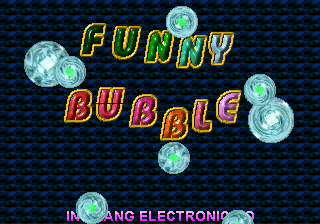
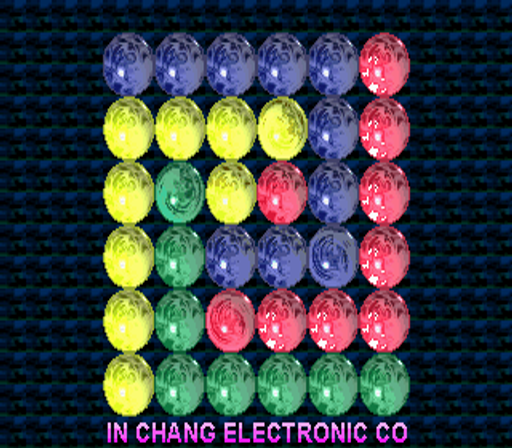
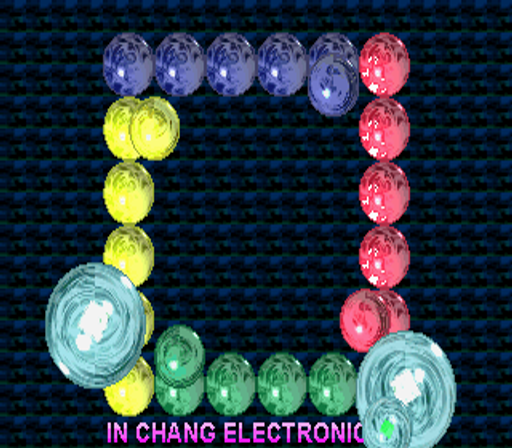
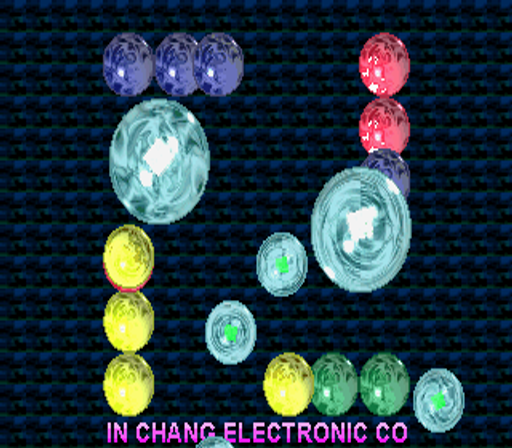
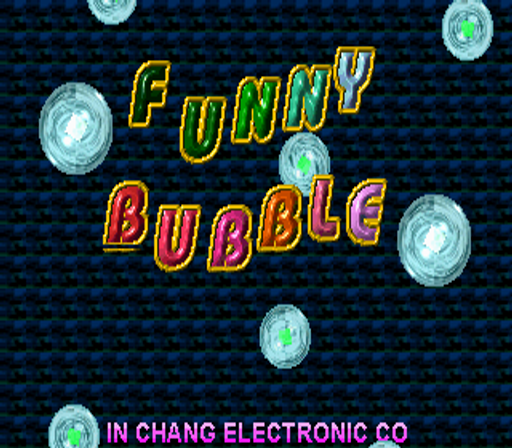
Los tubos en espiral guían bolas de colores hacia un núcleo central en Funny Bubble, lo que requiere que los jugadores combinen tres del mismo tipo antes de ingresar. El modo escenario ofrece diferentes trayectorias y fondos de la pelota, mientras que Vs. El modo permite la competencia de pantalla dividida para dos jugadores. El modo Nivel proporciona juego continuo con un único fondo, lo que sirve como una alternativa sencilla a la progresión de escenario más compleja.
Player layout in our catalog: 2P sim.
If you are exploring by feel rather than by title, jump from the tags above into the matching genre rooms, or return to the Arcade hall for the full wall.
Open Play on this page to start Funny Bubble. Keyboard, USB/Bluetooth pads, and the on-screen touch gamepad all work inside the emulator bar. Save states and fullscreen live on that same bar so you can pause mid-session and resume later.
Funny Bubble is filed in our catalog as a 1999 release.
Player layout on this cabinet: 2P sim.
Genre tags on Classic Arcade Games: Puzzle.
Credit line lists In Chang Electronic Co as developer.


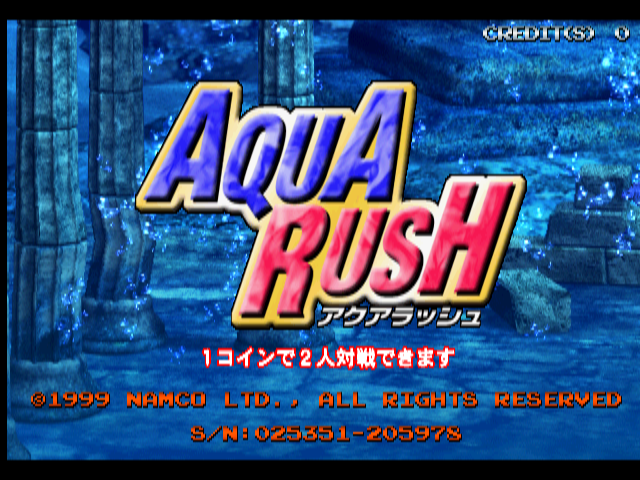
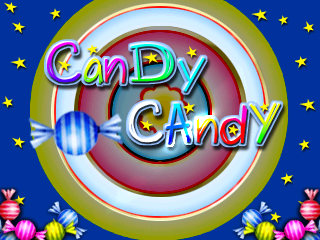
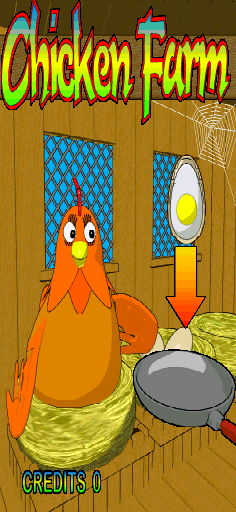
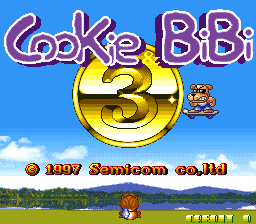
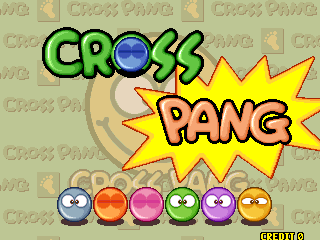
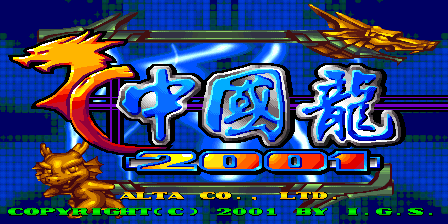
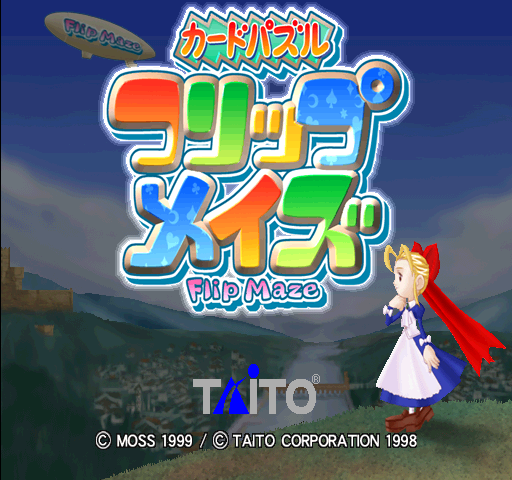
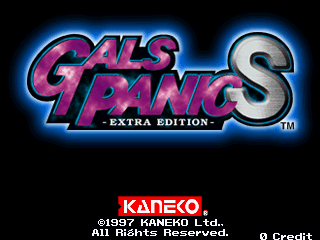
Nearby cabinets you may also open from this hall (each on its own play page):3X3 Puzzle (Enterprise), Aqua Rush (Japan, AQ1/VER.A1), Bubble 2000, Candy Candy, Chicken Farm (Version 2.0), Cookie & Bibi 3, Cross Pang, Chuugokuryuu 2001 [Dragon World 2001] (V100 02/21/01 16:05:16, Japan), Fantasia II (Explicit), Flip Maze (V2.04J 1999/09/02 20:00), Gals Panic DX (Asia), Gals Panic S - Extra Edition (Europe, revision 1)
3X3 Puzzle (Enterprise) · Aqua Rush (Japan, AQ1/VER.A1) · Bubble 2000 · Candy Candy · Chicken Farm (Version 2.0) · Cookie & Bibi 3 · Cross Pang · Chuugokuryuu 2001 [Dragon World 2001] (V100 02/21/01 16:05:16, Japan) · Fantasia II (Explicit) · Flip Maze (V2.04J 1999/09/02 20:00) · Gals Panic DX (Asia) · Gals Panic S - Extra Edition (Europe, revision 1)
In Chang Electronic Co appears on this cabinet’s credit line. Browse more titles from the same studio on the developer shelf, or stay on this page and try the next cabinets in the same hall.
Yes. Classic Arcade Games hosts Funny Bubble as a Arcade cabinet you can start on this page. The emulator loads in the browser; you do not need to install a separate app.
Arcade stick feel: Arrow keys for the joystick, X/Z (and nearby keys) for buttons, Enter=Start. USB / Bluetooth pads map cleanly; six-button fighters use the face-button cluster.
Our catalog tags Funny Bubble under Puzzle. Open those genre rooms from the tags on this page to find more playable cabinets in the same feel.
Copia el código iframe de abajo para insertar este juego en tu sitio.
<iframe src="https://es.classicarcade.games/games/arcade/funybubl?embed=1" width="800" height="600" allowfullscreen allow="gamepad; autoplay; fullscreen"></iframe>